Anyone who manages a WordPress site knows that security doesn’t depend only on firewalls or blocking external attacks. In fact, in day-to-day operations, the most common risk often comes from inside: rushed changes, human mistakes, poorly assigned permissions, or decisions that nobody documented. That’s why, as a site grows and adds editors, contributors, and administrators, tracking what happens in the dashboard becomes more complex and, at the same time, far more important.
In that context, User Activity Log PRO for WordPress becomes an essential tool. Beyond logging access and edits, it works like a true black box for your website, storing clear evidence of every action: who did what, when it happened, and where it came from. As a result, management stops relying on assumptions and starts relying on concrete data, which reduces conflicts and speeds up decisions.
Why Activity Monitoring Is a Core Pillar of Modern Website Management
Many issues don’t start with a sophisticated hack, but with internal actions executed poorly. For example, an editor might delete a page by accident, or a contributor could change a critical setting without understanding the impact. Meanwhile, an administrator may apply a “quick fix” and forget to record it, which makes troubleshooting harder when something breaks. Because of that, having a complete record is not a luxury; it’s a practical way to maintain order and prevent repeat mistakes.
Additionally, when a site is a business, every change matters. In contrast, when there is no traceability, any incident turns into a debate of different versions and opinions. With User Activity Log PRO, tracking happens in near real time, and transparency improves the workflow. That way, your team can act fast, identify the source of an error, and, most importantly, avoid the same failure happening again.
What User Activity Log PRO Is and What It Actually Records
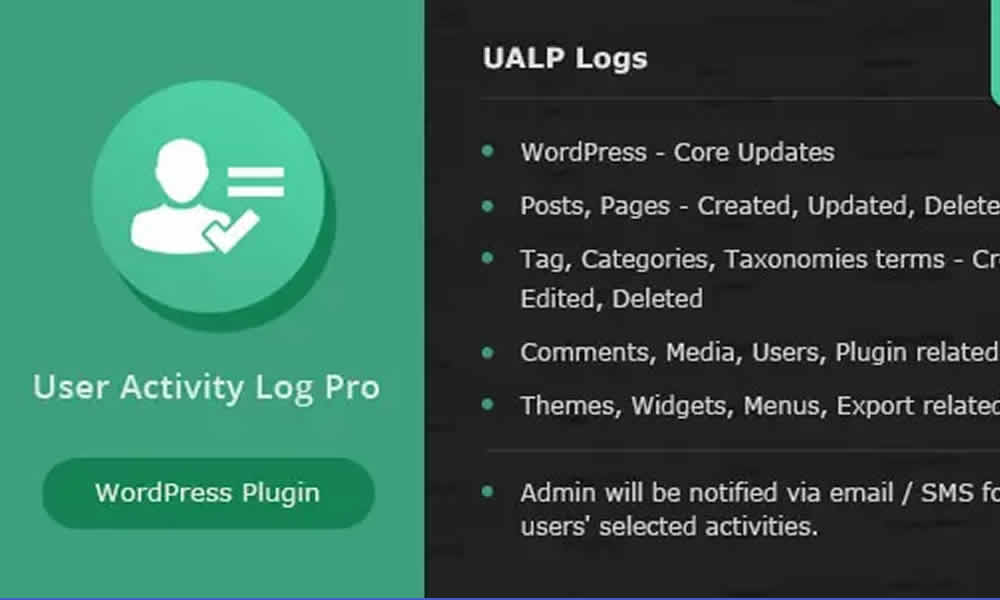
User Activity Log PRO is an advanced WordPress plugin designed to monitor user activities inside your site. In practical terms, it records logins, logouts, edits, deletions, configuration changes, and updates made to plugins and themes, along with many other actions. Moreover, it presents that information in reports that are easy to interpret, which helps you find key events without wasting hours digging through admin screens.
On the other hand, the real value is not just “saving data,” but turning that data into operational security. In fact, when you know exactly what happens in the admin area, you reduce risk and increase confidence in your processes. As a result, your site management becomes more professional, even in smaller environments where one person handles everything.
Features That Make It a Must-Have for WordPress Teams
A useful activity log must be clear, complete, and actionable. That’s why User Activity Log PRO stands out for its depth and its focus on real-world management, not just security theory.
Near real-time monitoring: the dashboard reflects recent actions immediately. As a result, if a critical change happens, you can react quickly and prevent the issue from escalating. Additionally, this reduces “time to diagnosis,” which is crucial for production sites.
Detailed reports with context: each entry can include essential details like the user, IP address, date and time, and a description of the action. In summary, these are not generic logs; they are a history with context. Furthermore, that level of precision helps internal audits and improves conversations with clients or teams.
Custom notifications: you can configure email alerts for sensitive events, such as failed login attempts, role changes, or deletions. In fact, when the team gets notified early, the response is faster and damage tends to be smaller. In contrast, without alerts, a problem can stay hidden for hours.
WooCommerce activity visibility: if your site is an online store, traceability becomes even more delicate. Because of that, the plugin can help track actions connected to products, orders, and settings that impact sales. That way, you can catch suspicious changes in prices or descriptions before they become revenue losses.
Log export options: reports can be exported to formats like CSV or PDF. Additionally, this makes it easier to share evidence with clients, keep audit backups, or prepare documentation for internal processes. In summary, the log stops being “something inside the dashboard” and becomes a management asset.
Advanced filtering and search: finding “one specific event” should be simple. That’s why filters by date, user, activity type, or site section help you locate what matters in minutes. Moreover, this feature is essential when investigating downtime, configuration errors, or missing edits.
Real Benefits for Businesses, Agencies, and Freelancers
In collaborative environments, a reliable activity record is more than helpful—it’s fundamental. That’s why this plugin becomes especially valuable when multiple people work on the same site.
For businesses, it means keeping a clear history of administrative actions, which reduces friction between teams and improves operational continuity. Additionally, when someone is absent or changes roles, knowledge doesn’t disappear; it stays documented in the log.
For digital agencies, it brings transparency to the client relationship. That way, instead of saying “maintenance was done,” you can show what was changed, when it happened, and by whom. In contrast, without evidence, the conversation relies on blind trust, and that often creates long-term tension.
For freelancers, the benefit is twofold. On one side, it documents work performed on third-party sites, preventing misunderstandings. On the other side, it helps identify changes made by the client that might later be blamed on the provider. In summary, the activity log protects professional relationships and adds structure to the workflow.
Moreover, maintaining user activity records is widely recommended for compliance and digital security. As a result, the site shows operational maturity, especially when it handles sensitive data, large catalogs, or restricted member areas.
Why the PRO Version Matters When You Need More Than the Basics
There are free options that offer simple logging. However, the PRO version is what enables truly professional management. Because of that, the difference is not just “having a log,” but having a log that is useful, complete, and adapted to real scenarios.
In many PRO setups, you’ll see deeper monitoring of plugins and themes, more flexible reporting by user role, and automated alerts for critical events. Additionally, optimized support for WooCommerce workflows and multisite environments can be decisive for larger projects. Meanwhile, dedicated support and frequent updates help maintain compatibility with the WordPress ecosystem as it evolves.
That’s how the promise becomes real: nothing goes unnoticed. In contrast, with limited systems, there is always a blind spot that only appears after damage has already happened.
Use Cases: When an Audit Log Saves Time, Money, and Reputation
An audit plugin proves its value under pressure. That’s why, in real-world situations, User Activity Log PRO can be the difference between chaos and clarity.
In a news portal, the editorial team can prevent errors by tracking changes to articles in near real time. Additionally, if a homepage layout is altered or a category is removed, the history reveals the origin of the problem without blame games.
In an e-commerce store, spotting an unauthorized change in prices, stock, or descriptions can prevent losses and customer complaints. In fact, with a detailed log, the administrator can see exactly when the change happened and fix it quickly.
In an educational institution, access to private areas and edits to restricted content should be documented. That way, the integrity of the environment stays protected, and incidents can be investigated with traceability.
In a marketing agency, reports become proof of service delivery. Moreover, that evidence increases credibility, especially in maintenance contracts. In summary, this plugin goes beyond security and becomes a true management instrument.
How to Install User Activity Log PRO in WordPress
Installation is straightforward. First, download the plugin from sistemaevolution.com.br. Then, in your WordPress dashboard, go to Plugins > Add New > Upload Plugin, upload the .zip file, and click Install Now. After that, activate the plugin and configure its options in the Activity Log PRO menu.
Within minutes, you’ll have a strong dashboard for monitoring site actions. Additionally, it’s a smart move to define which events are critical and enable notifications for them. That way, the plugin doesn’t only record history—it helps you react before a small issue turns into a bigger one.
The Kind of Control That Feels Like Daily Peace of Mind
In a digital landscape that demands reliability, monitoring internal activity is not just a best practice; it’s an investment in protection, transparency, and efficiency. That’s why User Activity Log PRO for WordPress fits perfectly in projects that value order and continuity, from corporate sites to stores and high-traffic portals.
Moreover, when traceability exists, teams work with less tension and more clarity. In summary, this plugin acts like a digital guardian, letting you understand what happens behind the scenes, make decisions based on evidence, and keep full control of WordPress without unnecessary complexity.