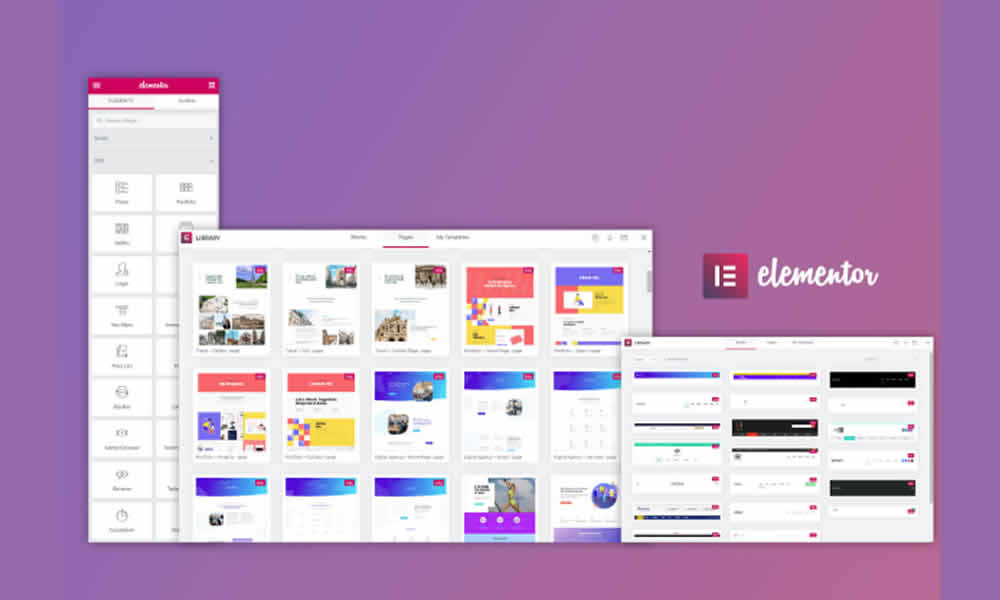
Elementor is already one of the most widely used WordPress page builders in its free version. However, when the goal is to reach a professional level with advanced design capabilities and strategic features, installing Elementor Pro becomes a natural step.
With the paid version, your website builder gains additional tools that allow you to create complex layouts, custom forms, high-converting sales pages, and even direct integrations with marketing platforms. That’s why knowing how to properly install Elementor Pro is essential for anyone looking to take their website to the next level.
What Does Elementor Pro Offer Beyond the Free Version?
Before we dive into the installation process, it’s worth highlighting what makes the Pro version so special.
While the free version lets you build basic pages, Elementor Pro unlocks features that transform any project into a complete digital experience:
- Create global templates for headers, footers, and single posts.
- Access exclusive widgets like contact forms, carousels, sliders, and pop-ups.
- Use advanced design tools with greater creative freedom.
- Integrate with WooCommerce — essential for online stores.
- Receive official support and frequent updates, ensuring stability and security.
In practice, the Pro version doesn’t replace Elementor Free — it works as a premium extension.
Where to Purchase Elementor Pro
You should purchase the plugin from the official Elementor website. There are different plans available, depending on how many websites you want to use the license on.
After purchase, you’ll receive a .zip file for download and an activation key. Both are essential to complete the installation.
How to Install Elementor Pro on WordPress
The process is simple, but it must follow the correct order.
First, make sure Elementor Free is installed and active, as the Pro version works as an extension. Then:
- Go to the WordPress dashboard and navigate to Plugins > Add New > Upload Plugin.
- Select the .zip file you downloaded from the official Elementor website.
- Click Install Now and then Activate Plugin.
Once activated, Elementor Pro will automatically connect with the existing Elementor installation and unlock all premium features.
Activating the Elementor Pro License
After installation, you need to activate your license to receive updates and support.
In the WordPress dashboard, go to Elementor > License and enter your activation key. This ensures the plugin works fully without any limitations.
This step is important because many users install the plugin but forget to activate the license, losing access to support and critical security updates.
Building Custom Headers and Footers With Elementor Pro
One of the most valuable advantages of Elementor Pro is the ability to create custom headers and footers without relying on additional plugins.
With the Theme Builder feature, you can design unique headers, dynamic menus, and professional footers — all integrated with your website’s overall design. This flexibility ensures consistent visual identity and boosts your brand’s credibility.
Elementor Pro for E-Commerce With WooCommerce
Anyone planning to sell online will find a powerful ally in Elementor Pro. It offers dedicated widgets for products, carts, checkout pages, and category filters.
This means you can create a fully customized online store — far beyond the default WooCommerce design. Plus, the visual elements enhance the customer experience and can significantly increase conversion rates.
Best Practices When Installing Elementor Pro
The installation process is quick, but a few precautions ensure everything works smoothly:
- Always use the file downloaded from the official Elementor website.
- Update WordPress and Elementor Free before installation.
- Avoid outdated or incompatible themes.
- Keep your license active to ensure security and updates.
These simple steps make a big difference in the performance and stability of your project.
When Is It Worth Investing in Elementor Pro?
The free version is great for basic projects, but Elementor Pro becomes essential when:
- You need a unique design to stand out from the competition.
- Your site requires advanced forms or strategic pop-ups.
- You run an e-commerce store that needs custom visuals.
- Your goal is to save time with ready-made, optimized resources.
In other words, Elementor Pro is for those who view their website as a strategic business tool.
Wrapping Up: A Growth-Driven Perspective
Installing Elementor Pro is more than just a technical upgrade — it’s a strategic decision. This step elevates WordPress to a new level, turning your website into a platform that sells, engages, and exudes professionalism.
By properly applying its features, you’ll build a solid foundation to attract clients, strengthen your brand, and keep up with the fast-paced digital market.