When someone visits a website, their first expectation is to find what they need quickly. That’s why the navigation menu becomes one of the most important structures in WordPress. More than a visual detail, the menu is a true map that guides visitors through pages, categories, and areas of interest.
Setting up an effective menu may seem simple, but it requires strategy. A site with flawless design loses credibility if visitors get lost while browsing. A well-planned menu, on the other hand, can reduce bounce rates and increase time on site.
Why Is the Menu So Important on a Website?
The menu is the starting point for the user journey. It works like an organized showcase that clearly presents the available paths.
In addition, a good menu helps with SEO because it improves the internal linking structure, making it easier for search engines to crawl. This means that by organizing your content logically, you increase your chances of ranking better on Google.
Another key factor is user experience. Confusing menus drive people away. Clear menus build trust and convey professionalism.
Types of Menus You Can Create in WordPress
WordPress offers flexibility to set up different menu styles. The most common include:
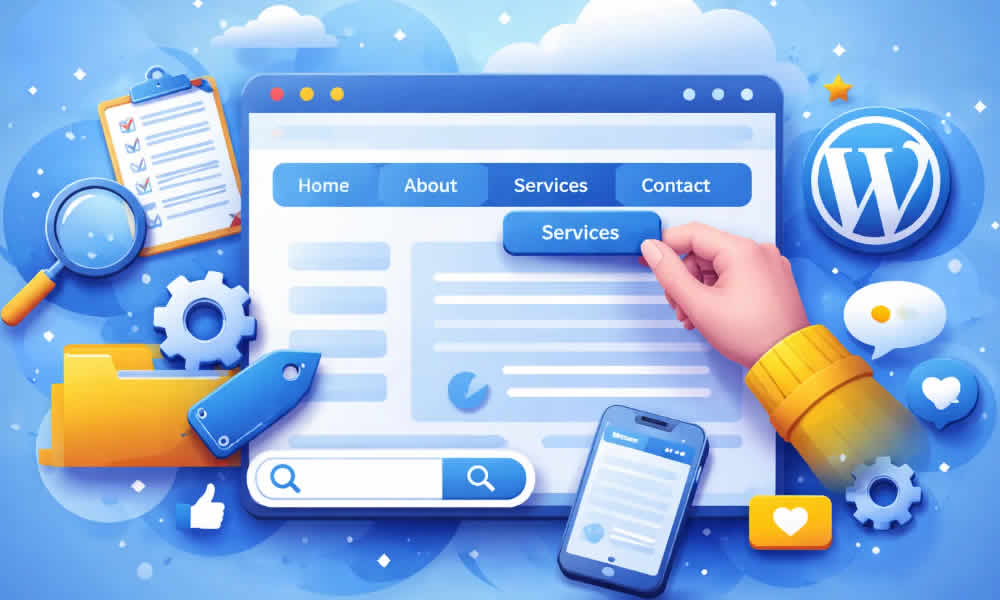
- Main menu: located at the top, usually with links to essential pages such as Home, About, Services, and Contact.
- Secondary menu: appears in the footer or sidebar areas, with additional links.
- Category menu: widely used in blogs to organize topics.
- Mega menu: an advanced feature, ideal for eCommerce, that displays many options in columns.
Each type meets a different need and can be adapted to your site’s style.
How to Create a Menu in WordPress from the Admin Dashboard
In the WordPress dashboard, go to Appearance > Menus. The screen will show options to create a new menu or edit an existing one.
Enter the menu name, select the pages, posts, categories, or custom links you want to include, and click Add to Menu. Then simply drag the items to arrange them in the desired order.
Finally, choose the menu location in your theme — usually “Primary Menu” or “Footer Menu” — and save. In just a few seconds, the menu will be live on your site.
Customizing Menus with Subitems
A feature that makes navigation easier is creating submenus. Imagine you have a Services page. Instead of listing everything in the main menu, you can add subitems such as “Consulting,” “Automation,” and “Website Design.”
This hierarchy helps visitors understand the site structure without overloading the top bar. To create submenus, drag items slightly to the right within the menu editing screen.
Advanced Customization with Plugins
Although the native tool is enough for most cases, dedicated plugins can expand your options.
- Max Mega Menu: ideal for creating complex menus.
- WP Mega Menu: offers modern design and various styling options.
- Elementor: lets you edit menus visually and integrate them with the rest of the layout.
These extra resources help you build unique experiences, especially in larger projects or eCommerce sites.
Tips for Menus That Truly Work
Creating a menu isn’t just about adding links. You need to think about the visitor experience. Best practices include:
- Keep the menu simple, with few main items.
- Use clear, straightforward names — avoid confusing terms.
- Link to the most relevant business pages.
- Make the menu responsive so it works smoothly on mobile devices.
With these practices, you ensure visitors quickly find what they need — increasing your chances of conversion.
The Impact of a Good Menu on Your Digital Strategy
An effective menu helps not only visitors but also the site owner. By guiding users intelligently, you create strategic pathways that lead to products, services, or contact forms.
In practice, this means more leads, more sales, and more business opportunities. At the same time, search engines better understand your site structure, strengthening your organic presence.
Wrapping Up with a Practical Mindset
Creating a WordPress menu goes far beyond aesthetics. It’s about designing the browsing experience and strengthening your digital presence. A well-built menu guides visitors effortlessly, reinforces brand authority, and opens the door to better results.
By giving attention to this step, you turn your site into an organized, accessible platform that delivers exactly what your audience is looking for.